
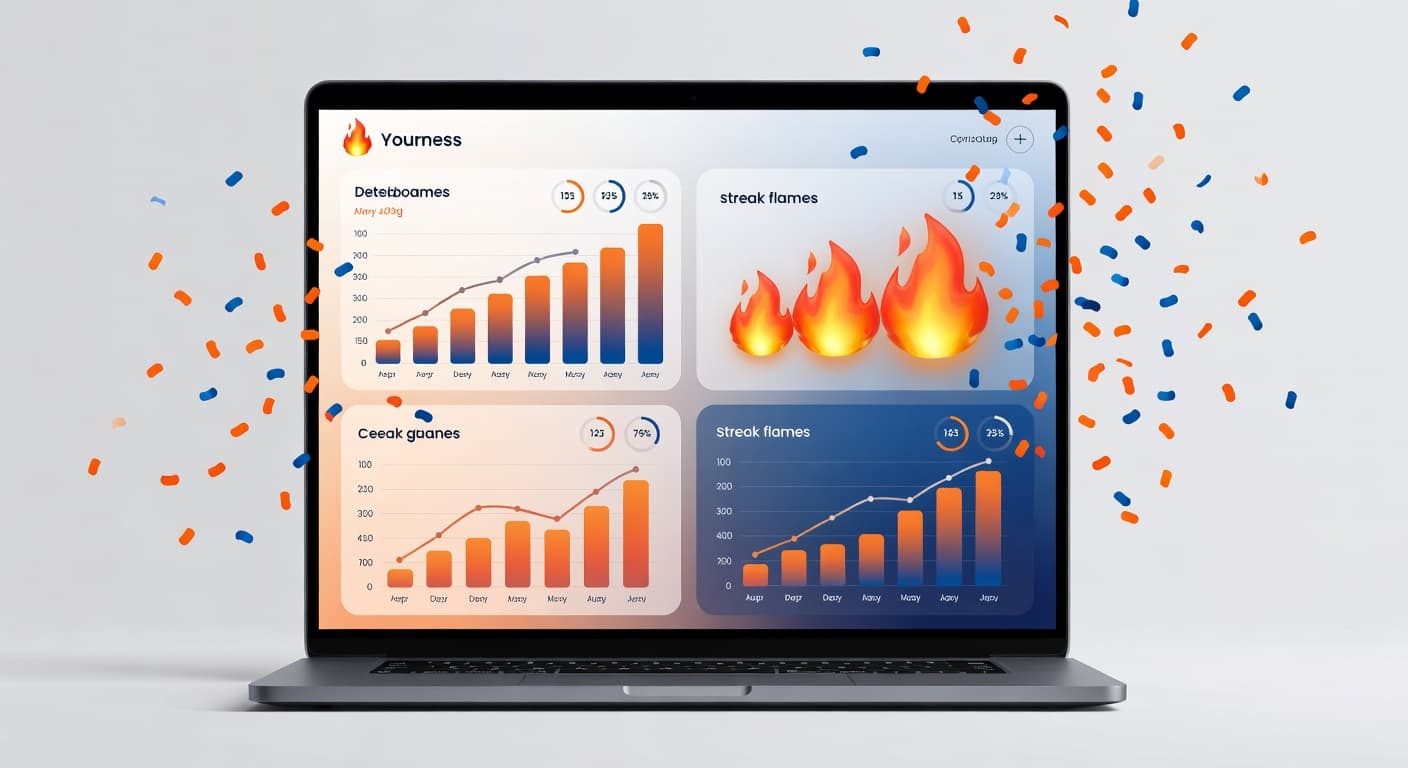
What if your Dutch learning app actually knew when you are tired, when you are sharp, and what you need to practice right now?
We just shipped the biggest dashboard update since launch. It is smarter, faster, and — honestly — a lot more fun.
Here is everything that changed.
Study Suggestions That Actually Make Sense
Your dashboard now watches when you study and adjusts what it suggests. Morning coffee? Quick vocabulary warm-up. After dinner? A relaxing listening exercise.
This is not a generic algorithm. It learns from your patterns. The more you use it, the better it gets at knowing what you need at that exact moment.
Think of it as a study buddy who pays very close attention.
“The suggestions feel almost creepy — like the app reads my mind. It always picks exactly the right exercise.”
Streak Protection: Because Life Happens
You are on a 47-day streak. Then your kid gets sick. Or the wifi dies. Or you just... forget.
We get it. That is why we added streak protection. One free freeze per week for everyone. Premium members get three.
Streaks should motivate you, not punish you. This small change makes a surprisingly big difference in how learning feels.
Dictation at Your Speed
The dictation exercises are already one of our most popular features. Now you control the speed: 0.5x when you are starting out, 1.5x when you are feeling stoer.
Loop individual sentences until you catch every word. This is gold for NT2 exam prep — practice at comfort speed first, then crank it up until exam speed feels like a makkie.
Celebrate Every Win
Hit a milestone and the screen explodes with confetti. Complete a challenge? Fireworks. Level up? The whole dashboard celebrates with you.
It sounds small. It is not. These micro-celebrations keep you coming back. Learning Dutch is a marathon — every small win deserves a moment of feest.
What Is Coming Next
We are already deep into the next round: weekly progress reports by email, shareable achievement badges, and a brand new writing feedback tool.
The dashboard is becoming your personal Dutch command center. And this is just the beginning.
Next article
Race the Clock: RushWords Speed Game
Want to learn Dutch while relaxing? Meet our podcast library...